
Form Designer
Design forms people want to fill out
$29 one-time
- Visual CSS form design
- CSS Grid layouts
- Drag & drop fields
- Visual select controls
- Google Forms integration
- Mailchimp & Campaign Monitor
- Custom breakpoints
- 1 year of free updates
Design forms visually with real CSS and CSS Grid, then post them to Google Forms, Mailchimp, Campaign Monitor or any script of your own.
Runs on Windows 7+ & macOS 10.13+ · Free trial for Windows · Perpetual license
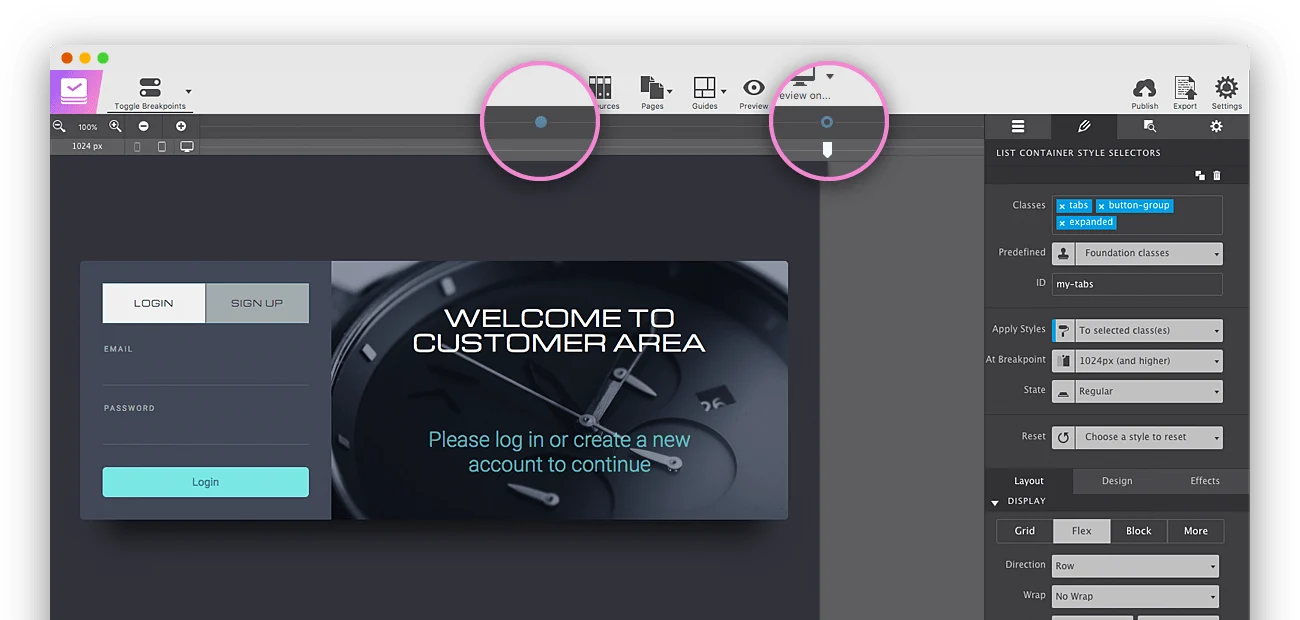
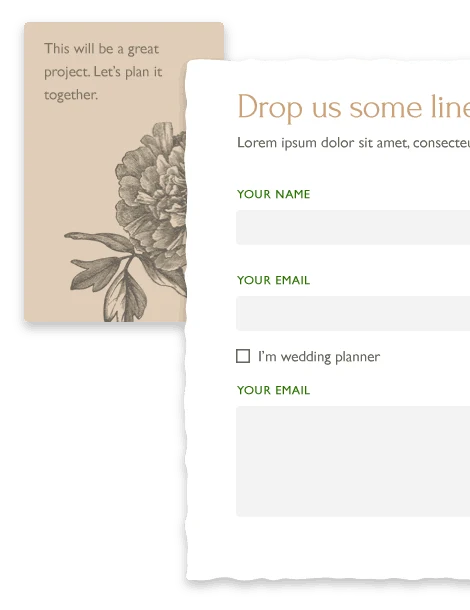
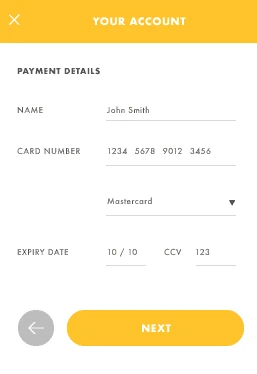
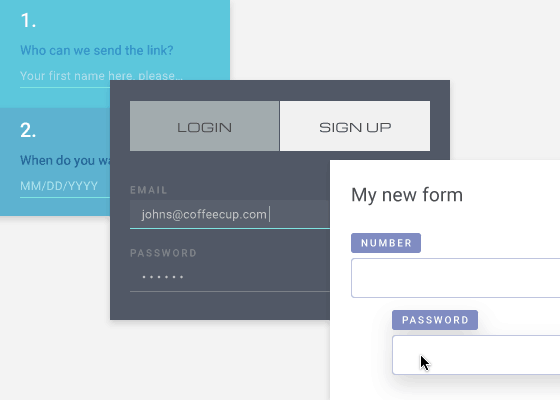
Select, click, point and scroll to craft forms that are completely your own — while Form Designer writes the CSS.
Input Field Styles Apply tantalizing effects, overlays, and animations. Make interactive answers too fun to pass up.
Google Forms works great for collecting data. It just looks terrible. Form Designer gives your Google Forms a complete visual makeover — while keeping all the backend logic intact.
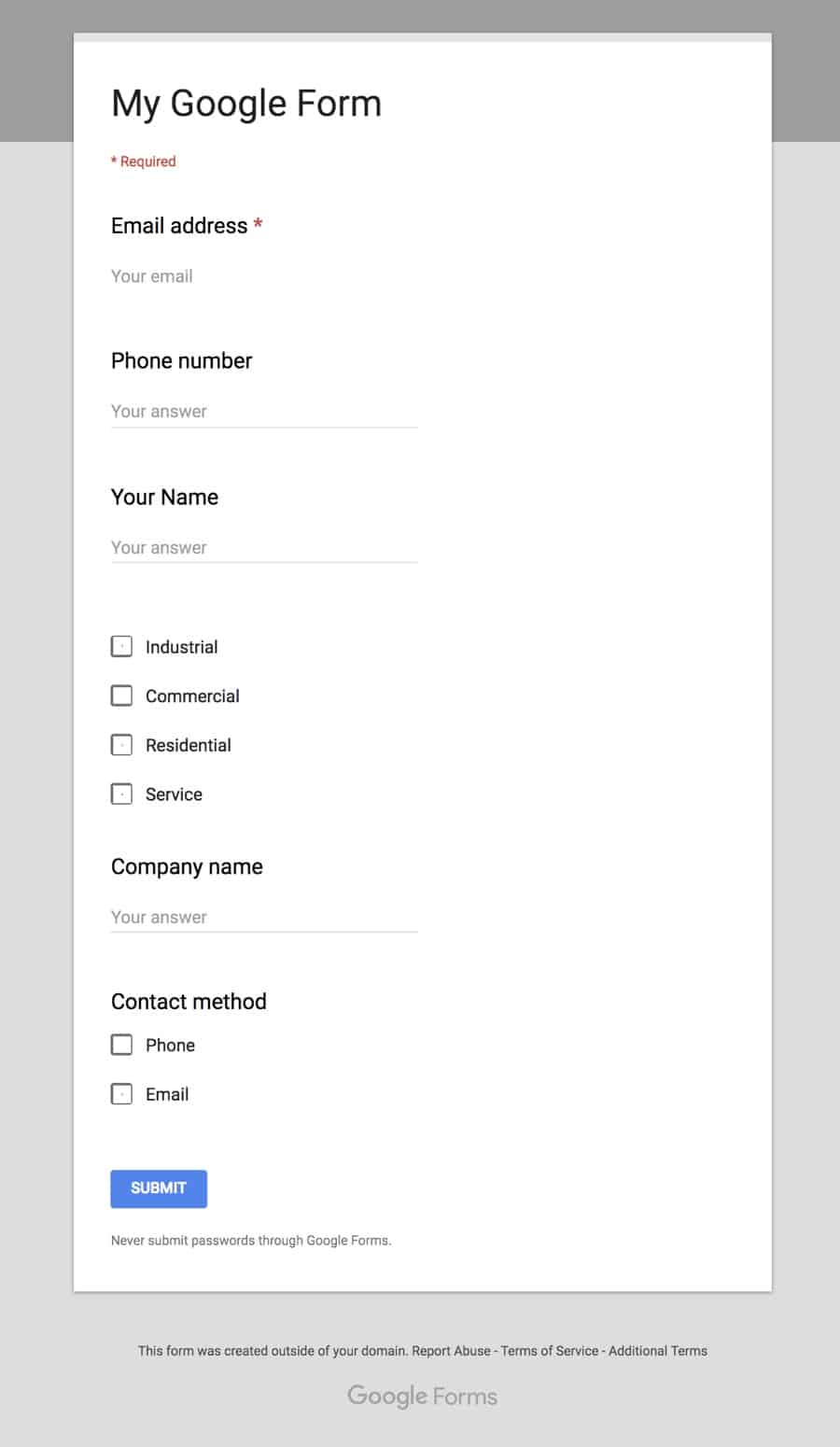
"I work great, but no one wants to fill me out… I think it's because I look ugly."
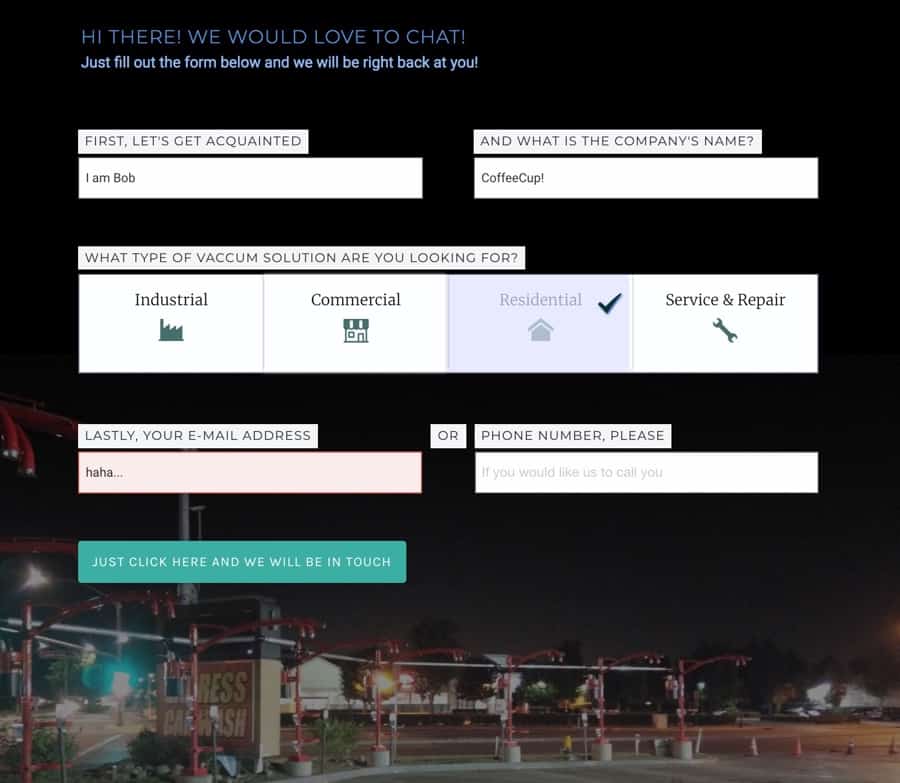
"I use the same Google backend but have style and responsive moves — people love to fill me out!"
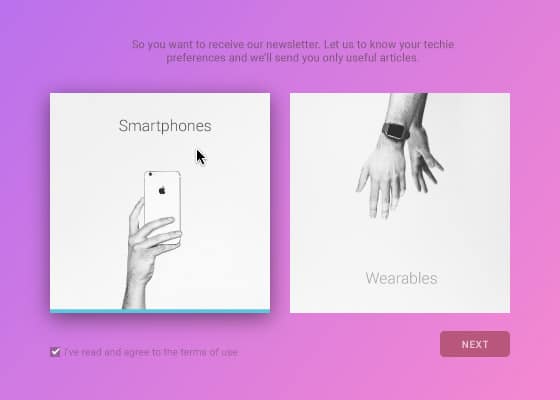
Give your visitors compelling visual choices that are fun to interact with, instead of a sea of endless radio buttons and checkboxes.
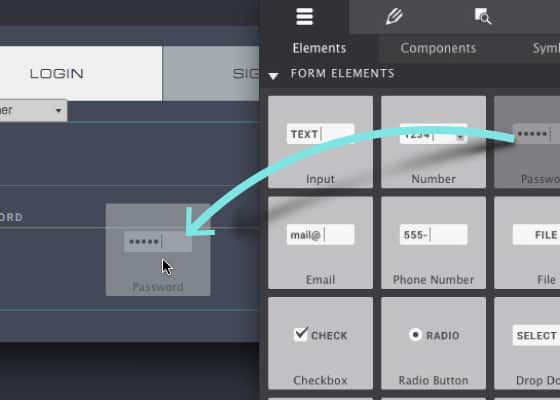
Input, number, password, email — every field you might need is right at your fingertips and ready to be dropped on the form. Save handcrafted elements to your Components Library to reuse across projects.
CSS Grid allows flexible placement of every form item, making forms super mobile friendly and exotic at the same time. New to CSS Grid? A free guide helps you learn it.
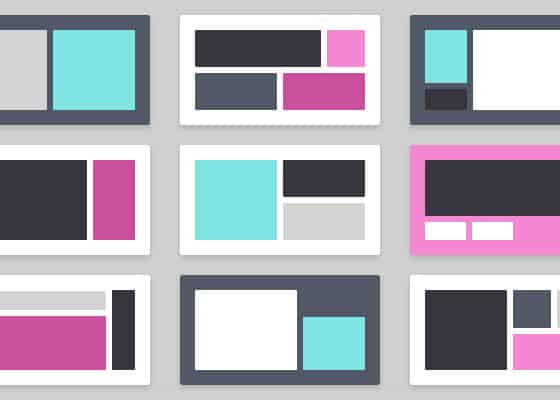
A taste of what Form Designer can make — real forms built with the app.
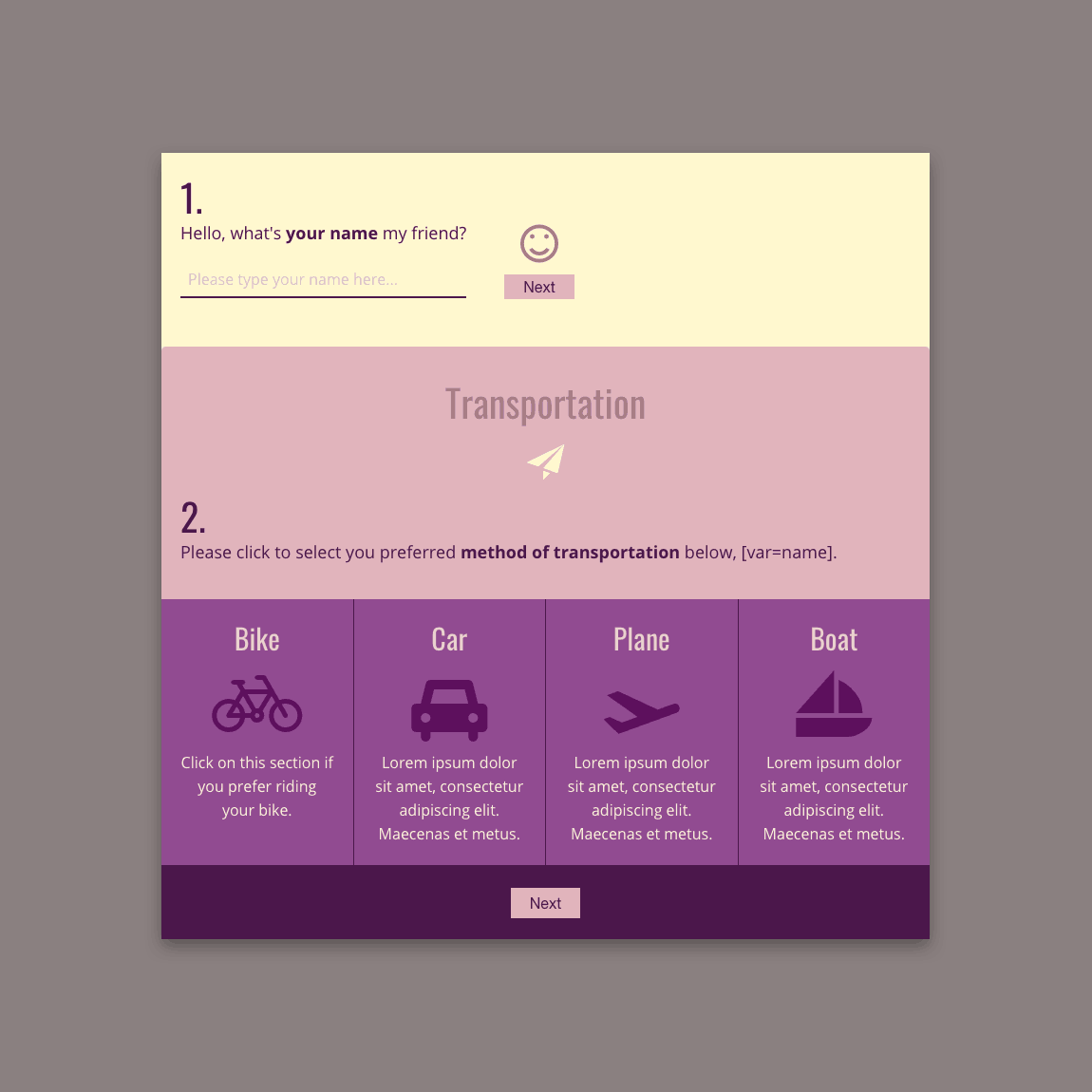
Visual select with scroll workflow
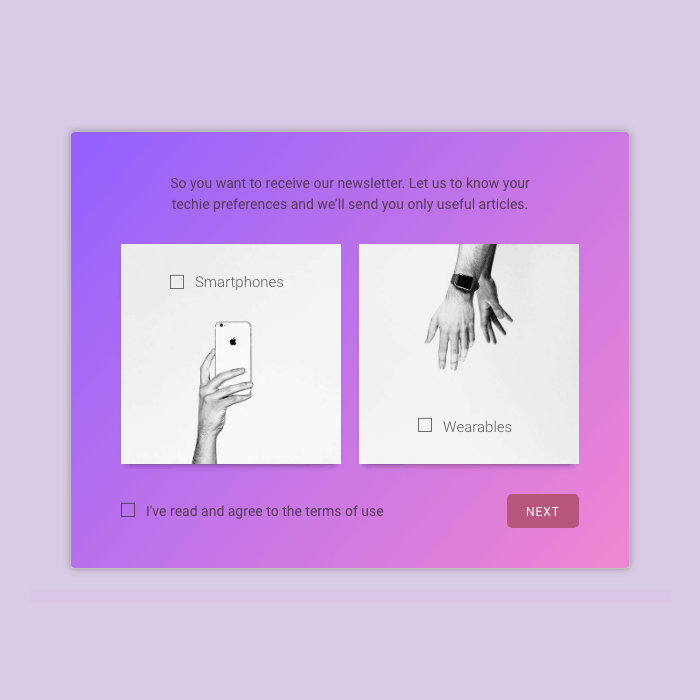
Attractive visual newsletter selection
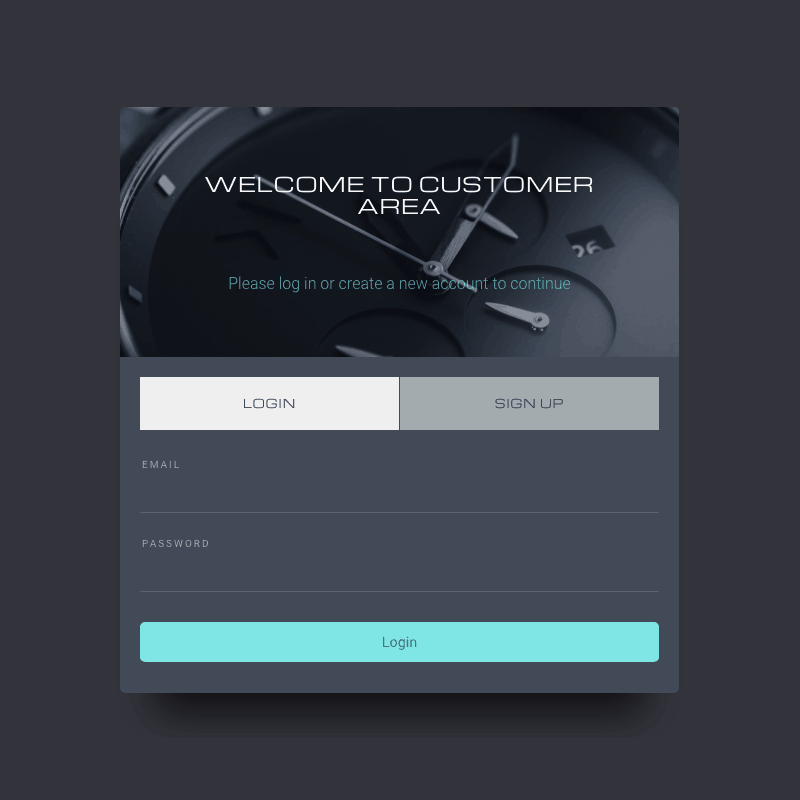
Sign-in and sign-up combined
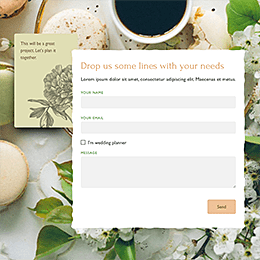
Set the mood with fitting backgrounds and colors

You'll always select more than you can handle…
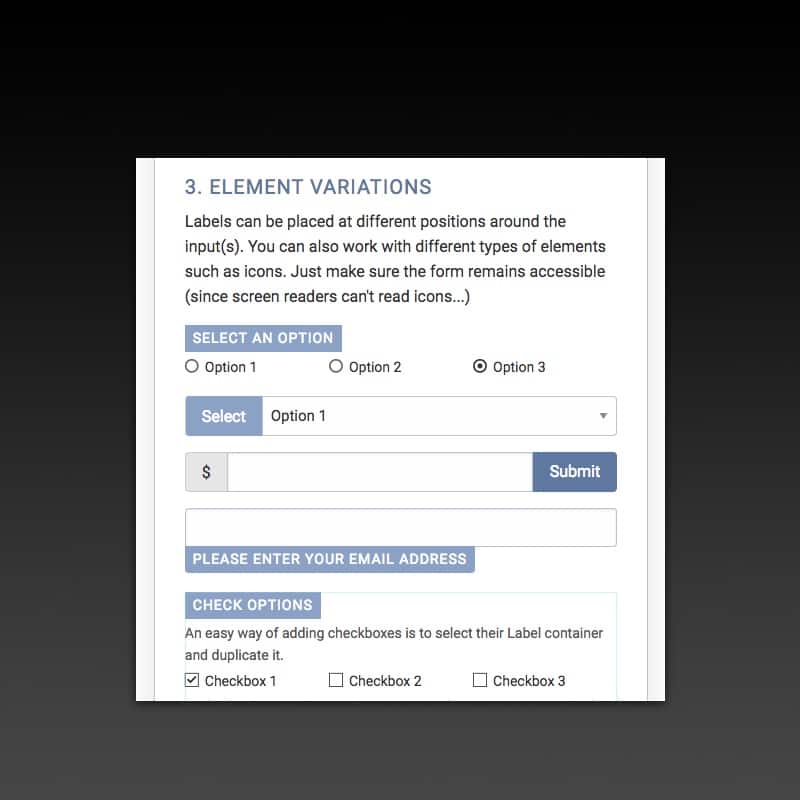
Something simple and sweet
Real, unedited quotes from CoffeeCup users.
“I love this software. It’s so cool that you’ve enabled me to easily design and create my own forms, meaning I no longer need to pay a coder to make the back end work.”
“I give Coffee Cup a 10 for after sales service. If ever I could recommend a company for service of the highest order it is this company. Thanks for all your help guys.”
“Coffeecup may be the best service oriented business I have ever had the pleasure to deal with. The product line actually speaks for itself, but service beyond the sale is the heart and soul of any enterprise. Kudos to you and the staff.”
No subscriptions. No monthly fees. No recurring anything. One payment — Form Designer is yours for life.
Design forms people want to fill out
$29 one-time

Form Designer + every CoffeeCup app in one license
$219 Regular price $924 one-time
You save $705 — 76% off buying separately
All licenses include 1 year of free updates. Windows 7+ & macOS 10.13+. No subscriptions, ever.
Form Designer is all about how your form looks: you design it visually with real CSS, and it sends its data to Google Forms, Mailchimp, Campaign Monitor or any custom script. Web Form Builder is a complete form tool with its own backend — responsive themes, payments and one-click publishing to S-Drive.
Yes. Form Designer gives your Google Form a complete visual makeover while keeping all of its backend logic intact, so the responses keep going to the same Google Form.
To Google Forms, Mailchimp, Campaign Monitor, or any custom script of your own. Your design, your backend.
No. You select, click and point to style your form, and Form Designer writes the CSS for you. If you do know CSS, you get real classes, CSS Grid layouts and custom breakpoints to work with.
Windows 7 or newer, and macOS 10.13 (High Sierra) or newer. The free trial is for Windows.
A perpetual license: you pay once and Form Designer is yours for life, with no subscription. It includes 1 year of free updates. Form Designer is also part of the Super Pack.
$29. One-time. Yours forever. No subscriptions, no lock-in — just beautifully designed forms that convert.