A live, visual canvas
Click any element on the page to select and style it, and preview the design at every screen width as you go.
 Site Designer
Build responsive websites on a visual canvas, with CSS Grid, Flexbox and 500+ components. For people who code — and those who don't.
The CSS power pros expect, with the visual controls beginners need.
Click any element on the page to select and style it, and preview the design at every screen width as you go.
Draw rows and columns in the grid editor and restack them at any breakpoint, or line items up with Flexbox — no code required.
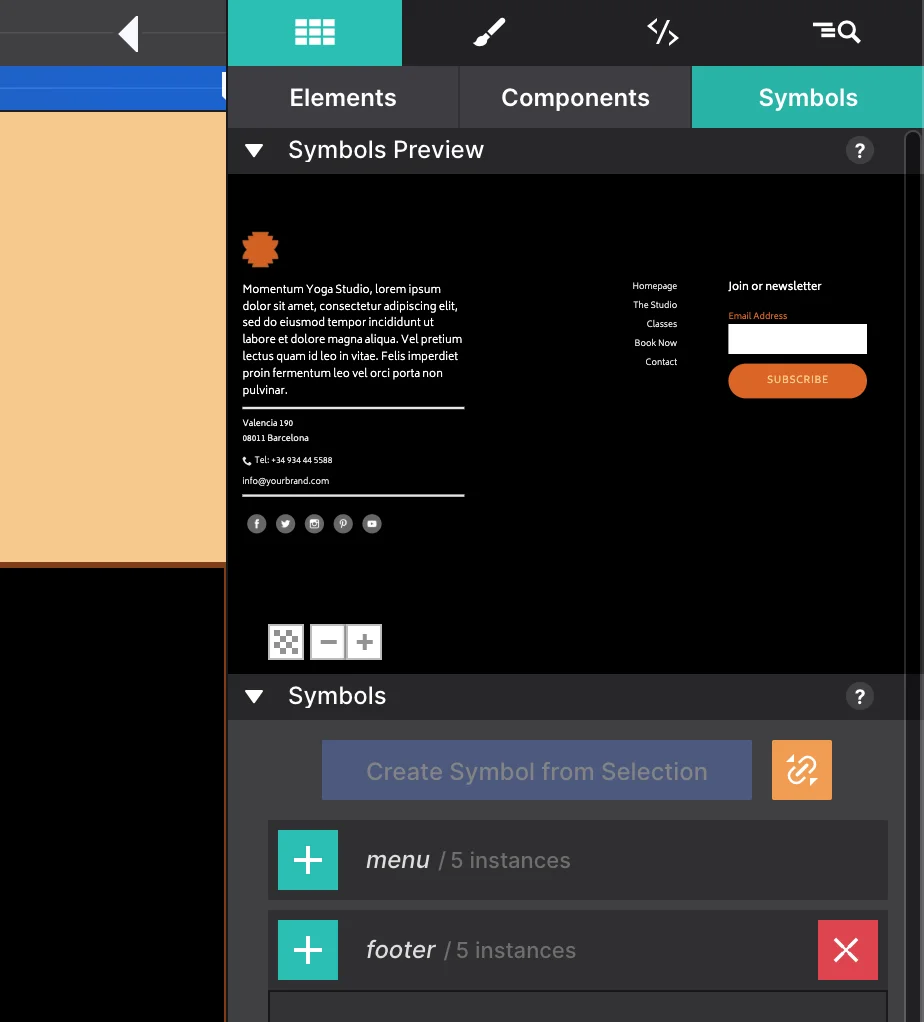
Turn a navbar or footer into a Symbol: one shared component on every page, so you edit it once and every page updates.
Every design becomes standards-compliant HTML and CSS that you can export and host anywhere, or hand to a developer.
HTML5 & CSS3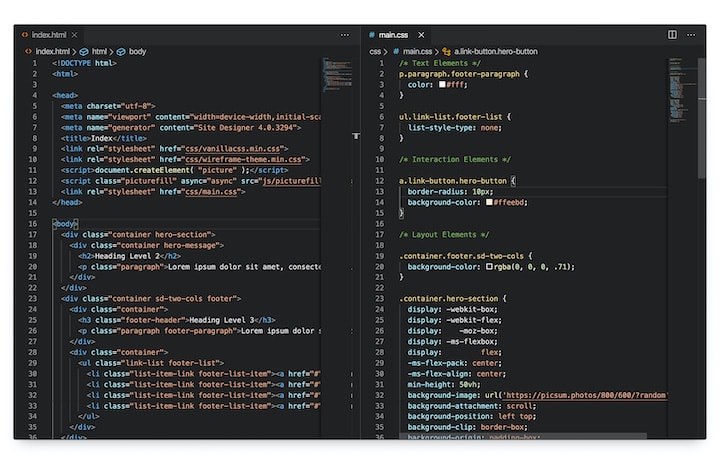
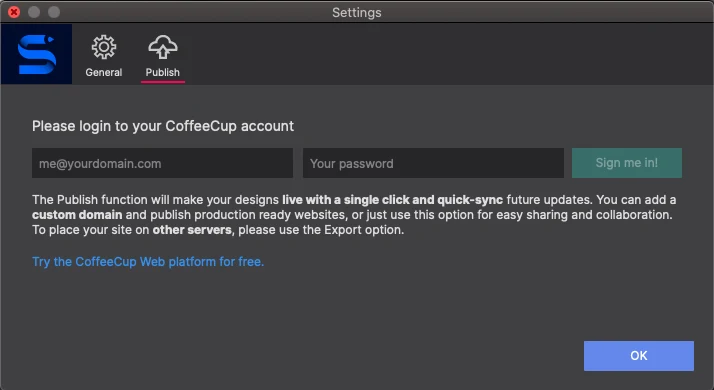
Sign in once in Settings, then click Publish and your site is live on S-Drive. Prefer your own host? Export the files.
Filling a white canvas has never been easier. Drag, drop, reuse and organize with precision.
Components Save and reuse items across projects. Speed up production without limiting creativity.
Responsify any project to any device or browser. Visual controls for every breakpoint.
CSS Grid Adjust columns and rows visually. Span elements to bring complex layouts to life.
Select, click, point, pick and scroll to create websites that are out of this world — while Site Designer writes the code.
CSS Classes Reusable CSS classes that update multiple elements simultaneously with a single change.
Every project starts with one choice. Frameworkless is Site Designer’s own foundation and where most new users land. Bootstrap 4, Foundation 6 and Materialize are built in too.
 Recommended
Total freedom. Work desktop-down or mobile-first and create your own styles, without a framework’s barriers.
Built in: choose No framework when you create a project
Choose once: a project’s framework is set when you create it and can’t be switched later.
| FrameworklessRecommended |
 Foundation 6 |
 Bootstrap 4 |
 Materialize |
|
|---|---|---|---|---|
| Responsive strategy | Desktop-down or mobile-first | Mobile-first only | Mobile-first only | Mobile-first only |
| Class names | Your own, with no conflicts | Reserved framework classes | Reserved framework classes | Reserved framework classes |
| Layout grid | Your own CSS Grid or Flexbox | Flexbox grid-x / cell |
Flexbox row / col-* |
Float-based row / col |
| JavaScript needed | None | Optional, for interactive components | jQuery, for interactive components | Custom JS for most components |
| Weight for visitors | No framework payload | Foundation’s CSS, plus its JS | Bootstrap’s CSS, plus jQuery | Materialize’s CSS, plus its JS |
| Design style | Fully custom | Neutral and minimal | Neutral, slightly opinionated | Google’s Material Design |
| Best for | New users and custom designs | Editorial and marketing sites | General-purpose projects | Material Design apps and dashboards |
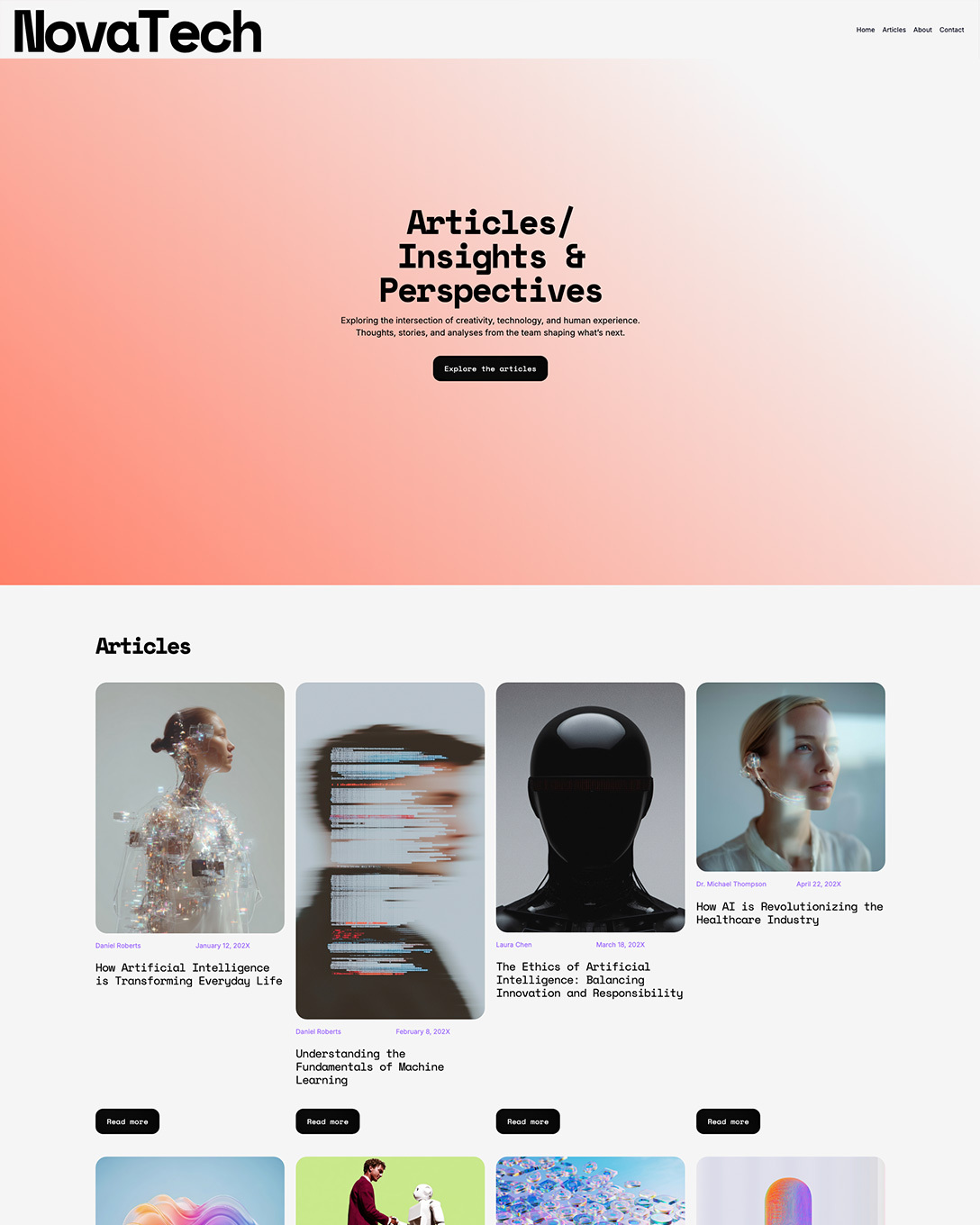
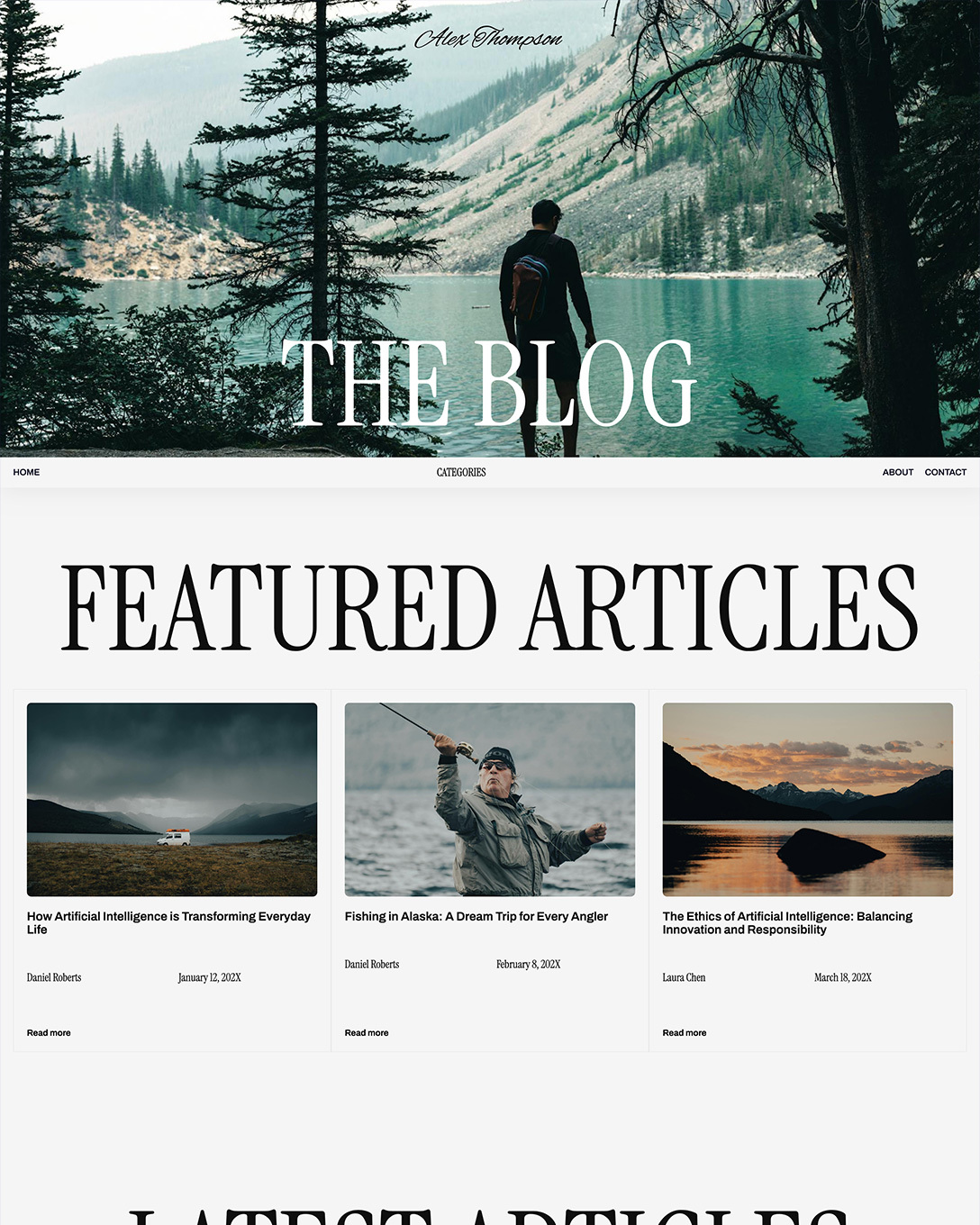
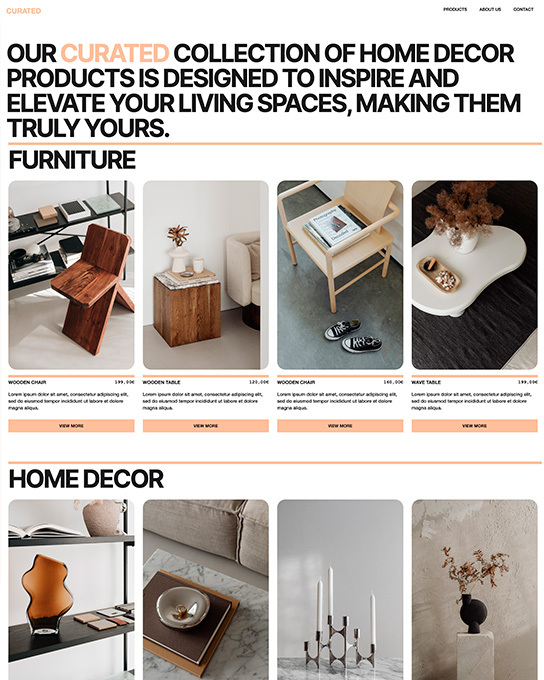
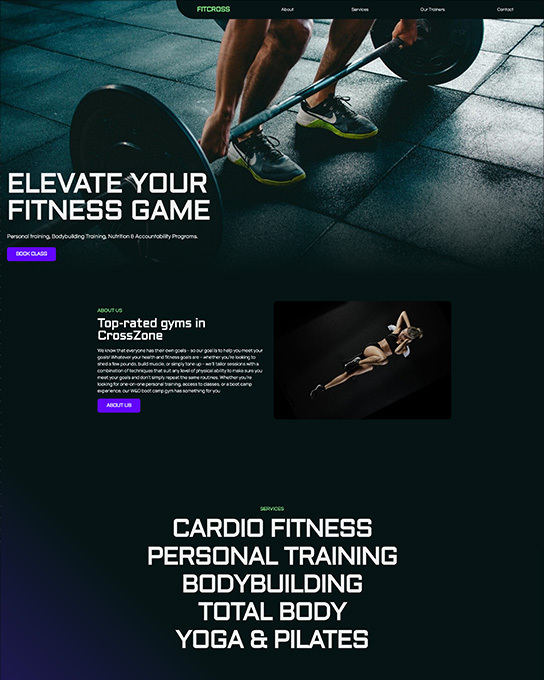
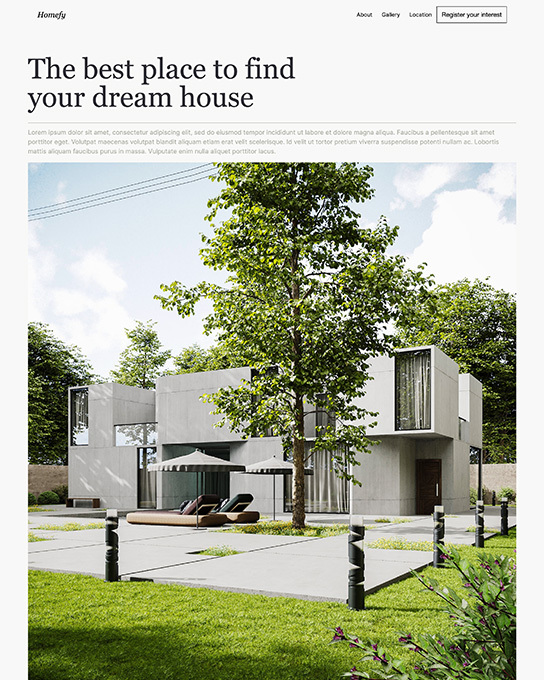
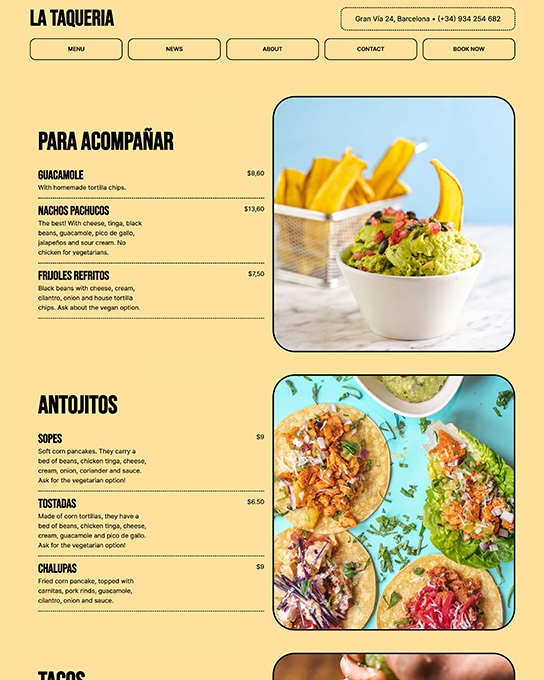
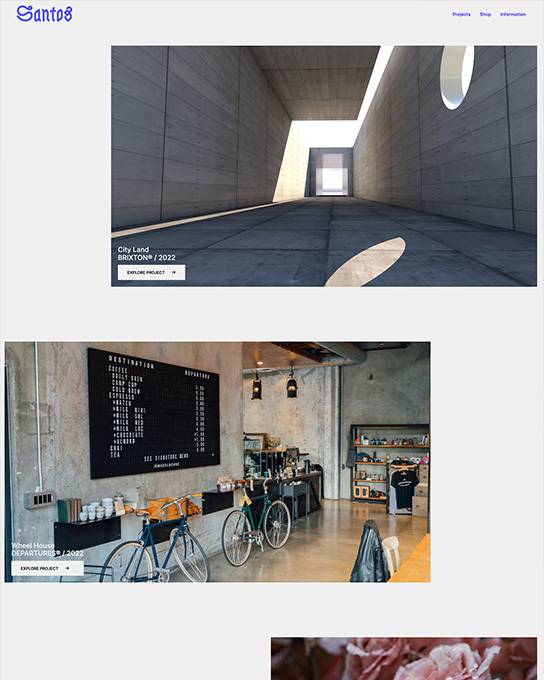
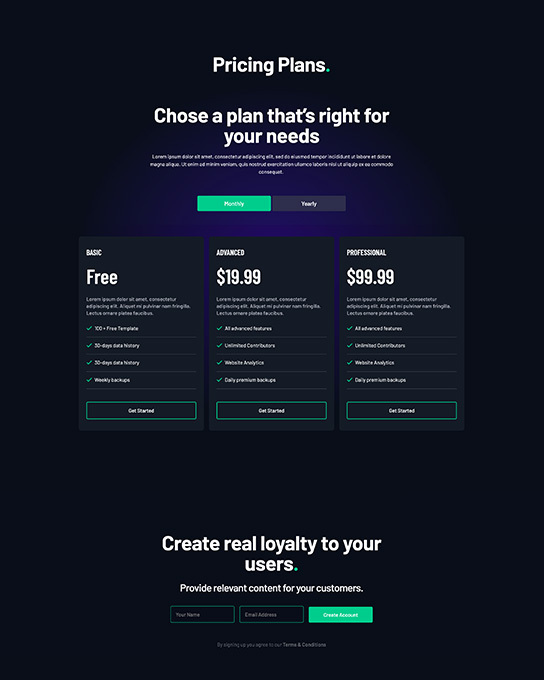
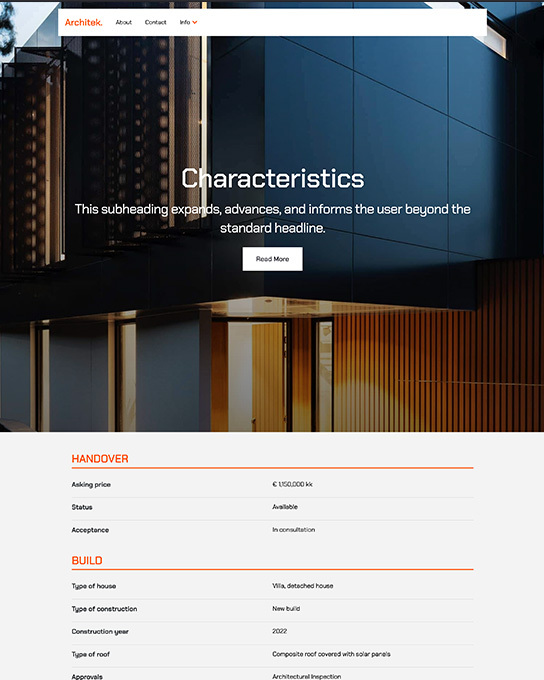
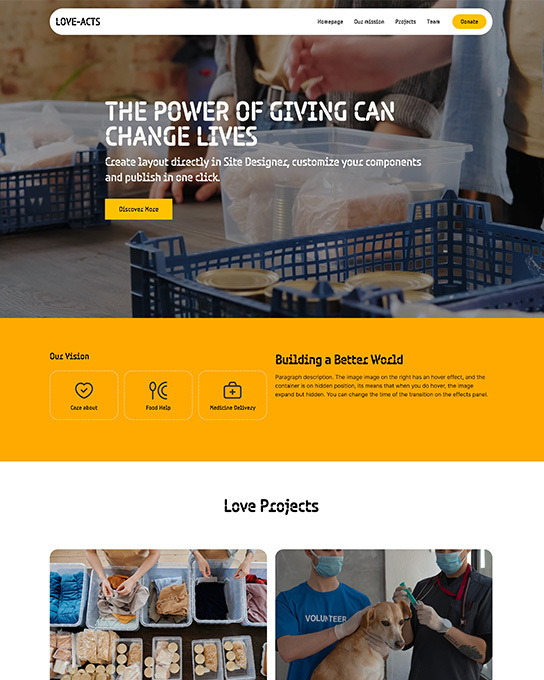
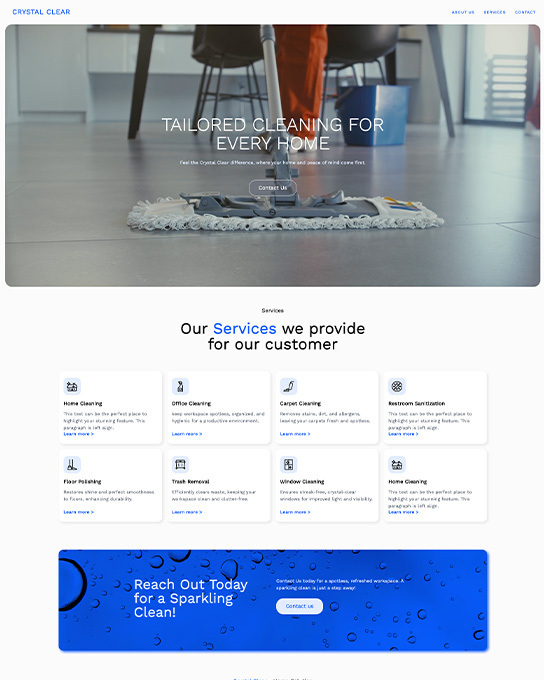
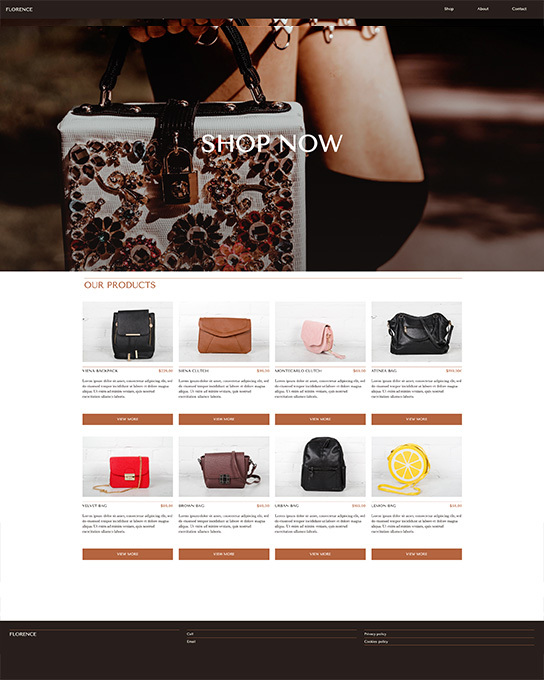
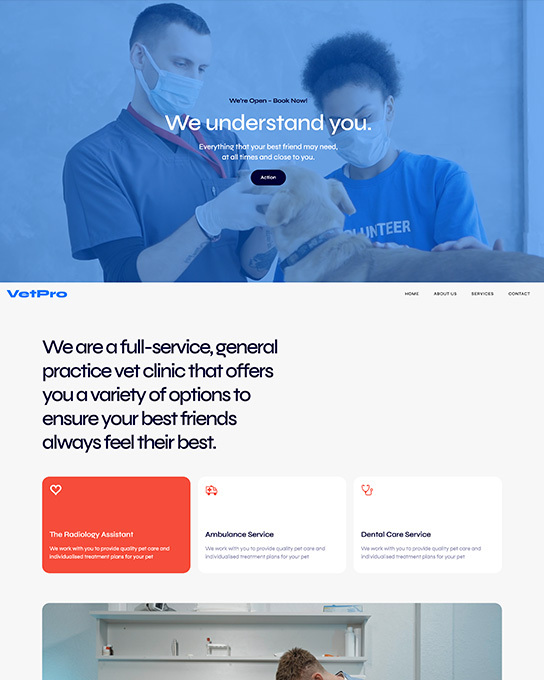
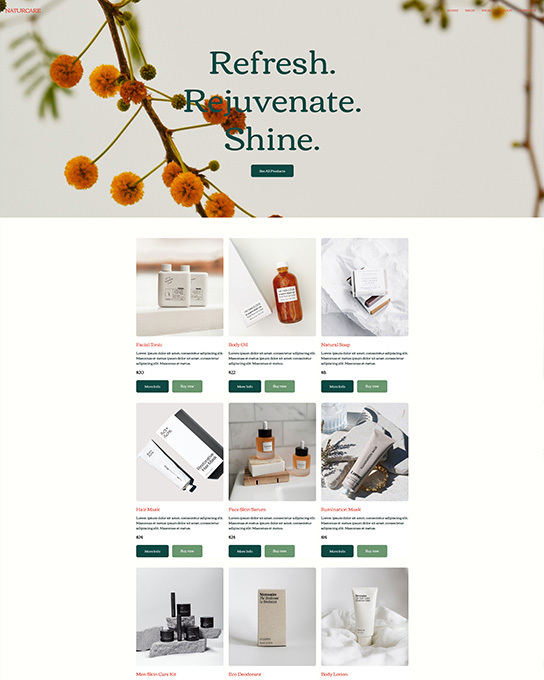
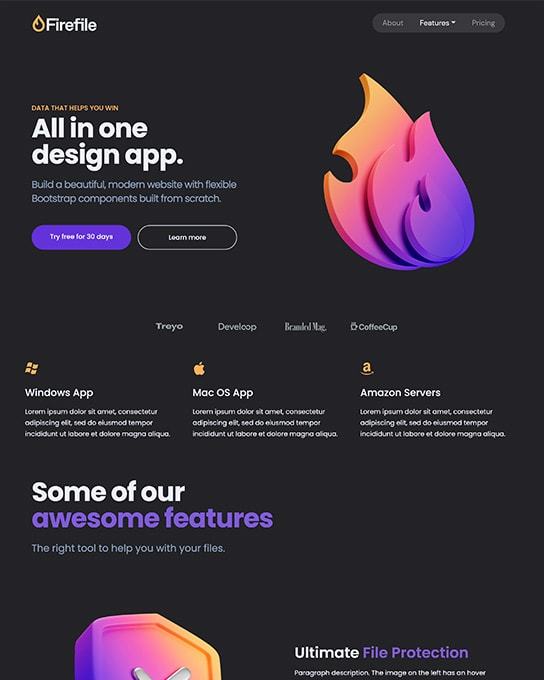
Professionally designed, fully responsive templates. Open any of them in Site Designer and make it yours in minutes — no starting from scratch.
Every template is free to download
The Components Library gives you everything you need to build any page. Drop a block on the canvas, then style it like anything else you design — every component is fully customizable.
Works with Bootstrap · Foundation · Materialize · Frameworkless
Real, unedited quotes from Site Designer and CoffeeCup users.
“CC and RSD has been a lifesaver for me, enabling me to create a website with extreme capabilities that without any code, I can change the design and content of, all by my 71 year old self! Everything is so intuitive, and together with the almost instant tech help to get by those little learning bumps, you have an incredible product and service.”
Site Designer
“I gotta tell you, I hired a “designer” to create a site for one of our companies, thinking maybe he’d do a better job than I was able to do myself. Well, 3 months later, I’ve fired him and went back to Coffee Cup and redesigned the site myself! It’s much better! With the ease of use and your helpful support, quickly and conveniently, I am able to keep complete control, and fix any problems, make additions, updates, etc. whenever I’d like! You guys are the best!”
“Dear Coffeecup team …..
I just want to say thank you for the brilliant RSD. I am new to the world of web design, html and css, but your product has enabled me to get on with designing. I think this is the best application I have used; it is simple to create some stunning sites with the minimum of technical knowledge … and what a time saver!
Thank you once again, you guys rock!”
Site Designer
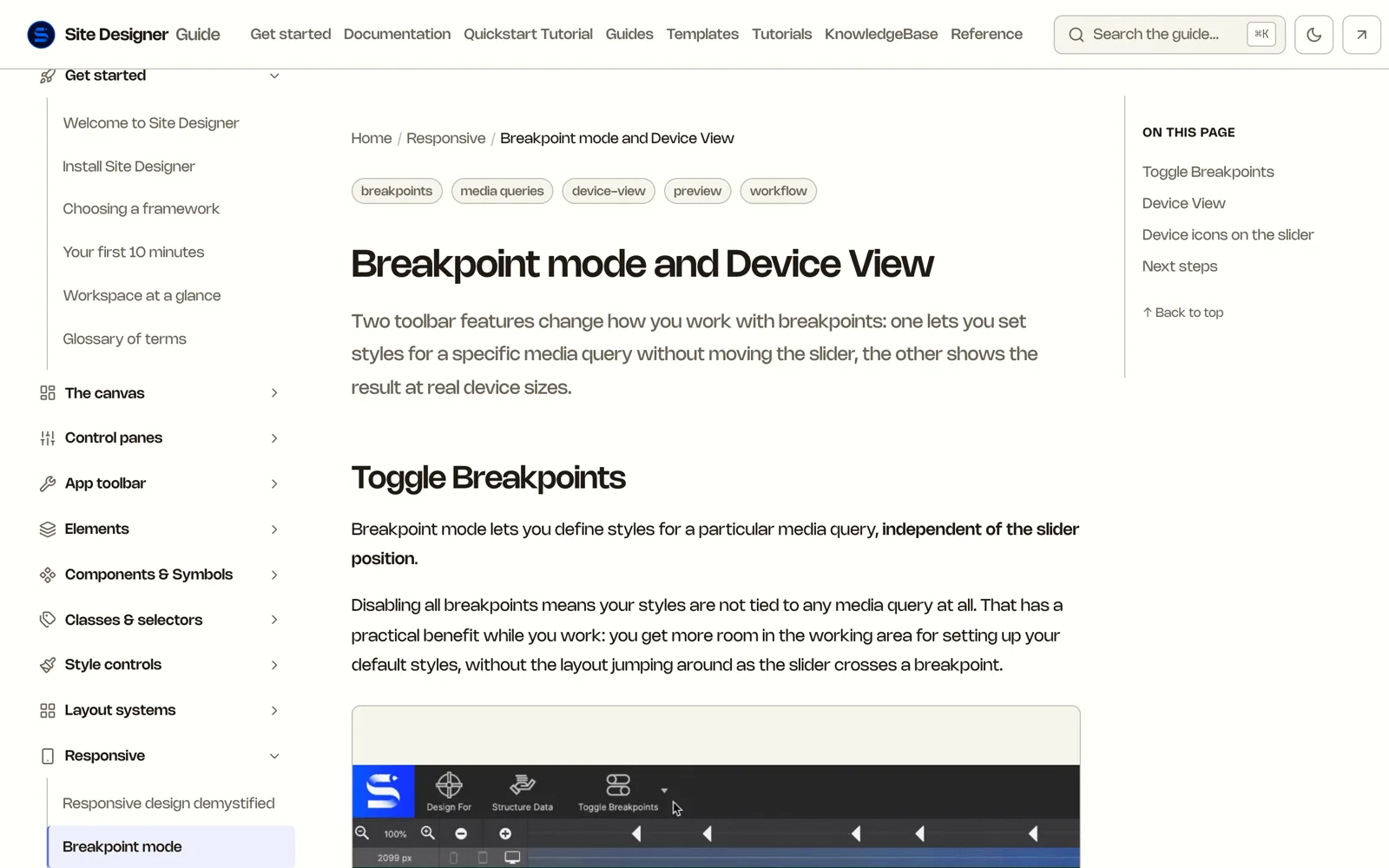
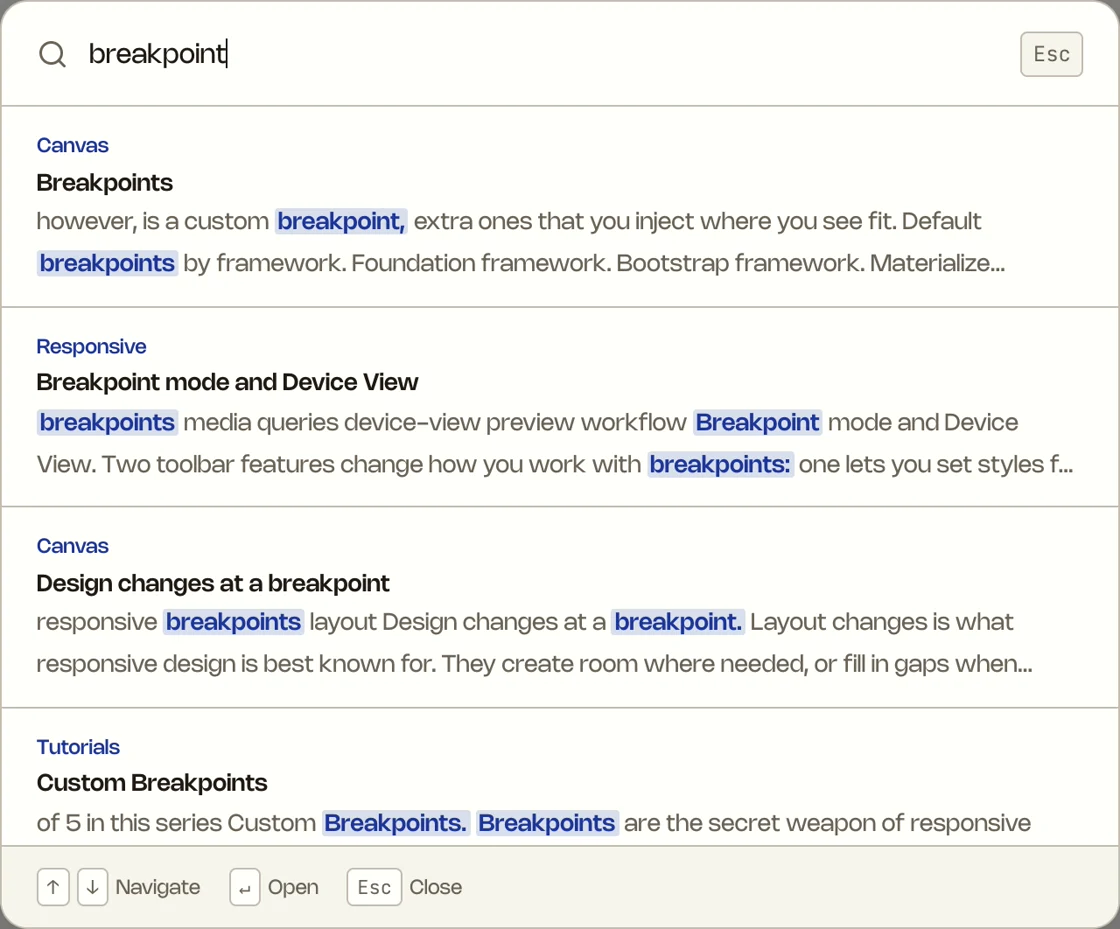
Site Designer comes with a free, official guide that takes you from a fresh install to your first published page, and answers every question after that. 134+ articles, step-by-step tutorials and short videos, one search away.
Free · No account needed
Download and activate the app on Windows or macOS.
Get to know the canvas, the panes and the toolbar.
Follow the guided quickstart and go live.
One payment. Lifetime access. Free updates for a full year. Your software never expires.
The standalone visual web builder
$99 one-time

Site Designer + every CoffeeCup app in one license
$219 Regular price $924 one-time
You save $705 — 76% off buying separately
After your first year, keep using your software forever. Additional upgrade years available for $69/year — completely optional.
Yes. You buy your license once and it's yours to keep forever. No recurring charges, no subscriptions. The software keeps working indefinitely after your purchase.
Not at all. Site Designer is built for both coders and non-coders. The visual controls handle all markup. If you do code, Custom Code lets you add JS and CSS anywhere you want.
Your software keeps working forever. The upgrade period covers access to new versions during that window. After it ends, you keep the latest version you received — permanently. Optional renewal is $69/year.
Absolutely. The free trial is full-featured with no time limit and no credit card required. Build real projects, then buy when you're ready.
Site Designer integrates with S-Drive for one-click publishing. S-Drive hosting plans start separately. You can also publish to any hosting provider via FTP — included for free.
Start building today
Download Site Designer free. No credit card, no time limit. Buy only when you're ready.